Stolen logins, not malware, are the leading way small businesses get breached right now. Verizon’s 2025 Data Breach Investigations Report found that compromised credentials were the initial access point in 22% of breaches it analyzed, ahead of every other single method (Verizon 2025 DBIR executive summary). If your Naples, Fort Myers, or Tampa business only has antivirus and a firewall, you’re defending against the attack that’s becoming less common while ignoring the one that isn’t.
- Compromised credentials, not malware, are the single biggest initial access vector in breaches tracked by Verizon’s 2025 DBIR.
- Phishing-resistant multi-factor authentication blocks more than 99% of identity-based attacks, according to Microsoft’s 2025 Digital Defense Report.
- A federal advisory updated August 18, 2026 shows the Medusa ransomware group has hit over 500 organizations using stolen credentials and unpatched systems as entry points.
- Password reuse across personal and work accounts is what turns one leaked login into a company-wide breach.
- A password manager plus MFA on email, banking, and cloud admin accounts closes most of this gap without new hardware.
Why are stolen logins more dangerous than malware right now?
A stolen password lets an attacker walk in the front door looking like an employee. There’s no suspicious attachment for your spam filter to catch and no unusual file for antivirus to flag. Once inside, the attacker can read email, move money, or set up mail forwarding rules that quietly siphon invoices and client data for weeks before anyone notices.
This is exactly the pattern behind Medusa ransomware, a group the FBI, CISA, and the Department of Health and Human Services updated a joint advisory about on August 18, 2026. The advisory says Medusa actors have affected more than 500 victims across healthcare, legal services, insurance, manufacturing, and technology, gaining initial access through phishing, purchased access from initial access brokers, and unpatched internet-facing systems (CISA advisory AA25-071A). None of that requires exotic malware. It requires one set of working credentials.
How do attackers actually get the passwords?
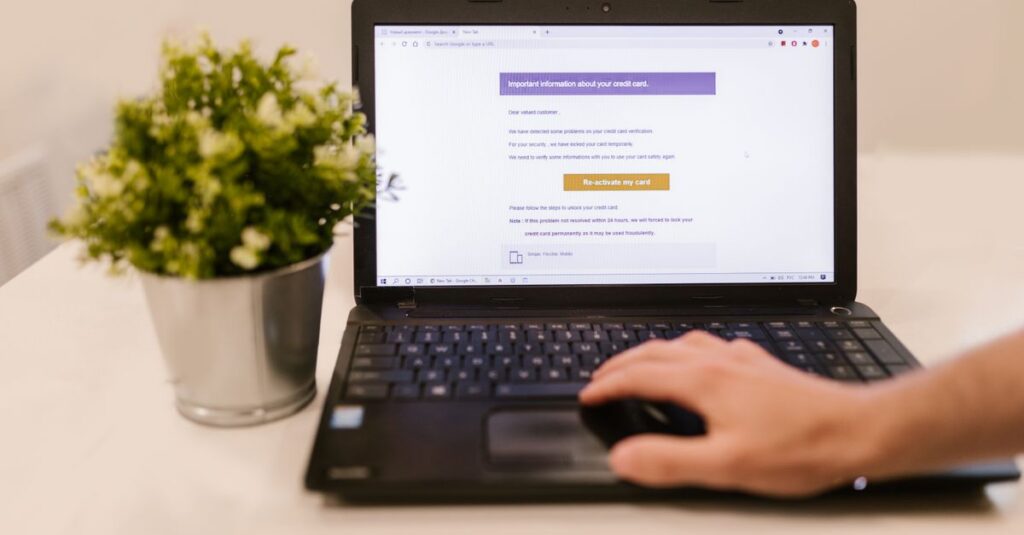
Three common routes show up again and again in incident reports: phishing emails that harvest a login on a fake Microsoft 365 or Google sign-in page, infostealer malware sitting quietly on a personal or work laptop, and credential stuffing, where attackers try passwords leaked from other websites against your business accounts. Verizon’s research on credential stuffing found it remains a high-volume, low-cost attack because so many people reuse the same password across multiple sites (Verizon’s 2025 DBIR credential stuffing research). If an employee’s password from a shopping site leaked two years ago and they still use it for their work email, that old breach is a live risk today.
What stops this without a big budget?
Two controls do most of the work. First, turn on multi-factor authentication everywhere it’s offered, starting with email, banking, payroll, and any cloud admin console. Microsoft’s 2025 Digital Defense Report states that phishing-resistant MFA blocks more than 99% of identity-based attacks, even when the attacker already has a valid username and password (Microsoft’s 2025 Digital Defense Report summary). Second, give staff a password manager so nobody has to reuse or memorize passwords. Most run $3 to $8 per user per month, which is a rounding error compared to the cost of a breach.
If your business already deals with business email compromise attempts, our piece on defending Microsoft 365 against business email compromise covers the mailbox-level settings that pair well with MFA. And if you want to know whether your company’s credentials are already circulating, see our guide to dark web monitoring for Southwest Florida small businesses.
What should an owner check this week?
Start with the accounts that would hurt the most if someone else logged in. Pull up your email admin center and confirm MFA is required, not just available, for every user. Check whether your accounting or banking portal supports MFA and turn it on if it isn’t already active. Ask whether anyone on staff is still using a password they’ve used elsewhere, and if the honest answer is yes, that’s your starting point for rolling out a password manager. None of this requires new hardware or a big project plan. It requires about an hour of settings changes and a short conversation with your team.
Frequently asked questions
Is MFA enough on its own?
MFA is the single highest-impact control, but it isn’t complete protection by itself. Attackers have found ways around weaker forms of MFA, like SMS codes, through SIM swapping and MFA fatigue attacks. Phishing-resistant methods such as authenticator apps or hardware security keys hold up much better than text message codes.
What’s the difference between a data breach and credential stuffing?
A data breach is the original incident where a company’s user data, including passwords, is stolen and often posted or sold online. Credential stuffing is what happens next: attackers take those leaked username and password pairs and test them automatically against other websites, banking on the fact that people reuse passwords.
Do we need a password manager if we already use Microsoft 365?
Microsoft 365 handles authentication for your Microsoft accounts, but employees still create separate logins for banking portals, vendor sites, accounting software, and dozens of other tools. A password manager covers all of those accounts, not just the ones tied to your email domain.
How quickly can a small business actually implement this?
Enforcing MFA on email and core financial accounts is typically a same-day change in most admin consoles. Rolling out a password manager to a small team usually takes one to two weeks including a short training session, mainly because it depends on staff actually changing old, reused passwords rather than any technical hurdle.
If you’re not sure whether your logins, email rules, or admin accounts have already been exposed, SWFIT offers a free 30-minute IT and security review for Southwest Florida businesses. Contact SWFIT to schedule one.
SWFIT