
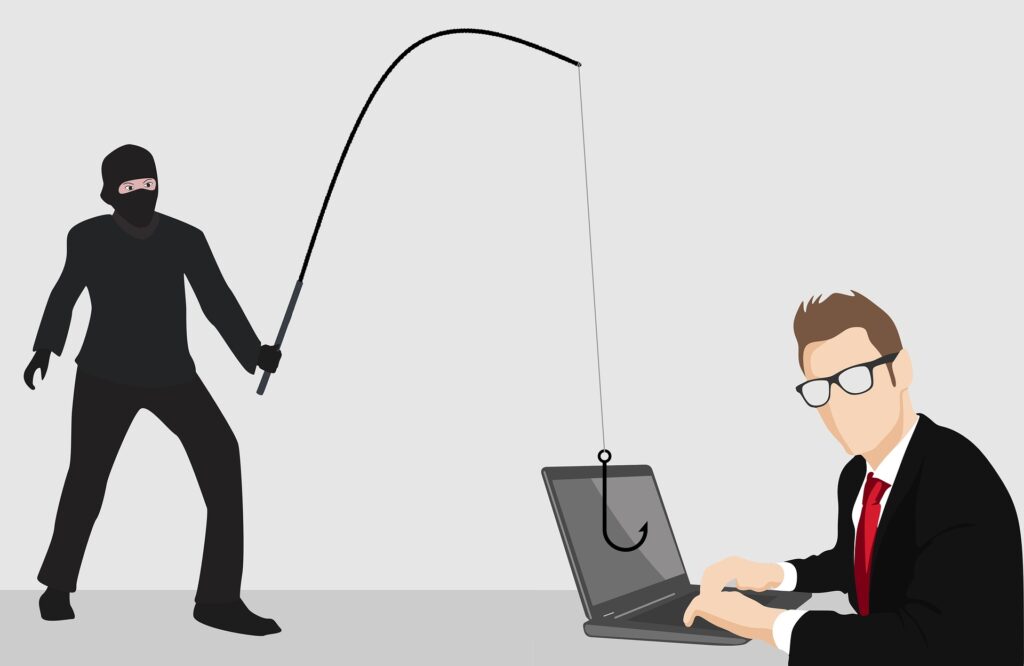
Phishing. It seems you can’t read an article on cybersecurity without it coming up. That’s because phishing is still the number one delivery vehicle for cyberattacks.
A cybercriminal may want to steal employee login credentials. Or wish to launch a ransomware attack for a payout. Or possibly plant spyware to steal sensitive info. Sending a phishing email can do them all
80% of surveyed security professionals say that phishing campaigns have significantly increased post-pandemic.
Phishing not only continues to work, but it’s also increasing in volume due to the move to remote teams. Many employees are now working from home. They don’t have the same network protections they had when working at the office.
Why has phishing continued to work so well after all these years? Aren’t people finally learning what phishing looks like?
It’s true that people are generally more aware of phishing emails and how to spot them than a decade ago. But it’s also true that these emails are becoming harder to spot as scammers evolve their tactics.
One of the newest tactics is particularly hard to detect. It is the reply-chain phishing attack.
What is a Reply-Chain Phishing Attack?
Just about everyone is familiar with reply chains in email. An email is copied to one or more people, one replies, and that reply sits at the bottom of the new message. Then another person chimes in on the conversation, replying to the same email.
Soon, you have a chain of email replies on a particular topic. It lists each reply one under the other so everyone can follow the conversation.
You don’t expect a phishing email tucked inside that ongoing email conversation. Most people are expecting phishing to come in as a new message, not a message included in an ongoing reply chain.
The reply-chain phishing attack is particularly insidious because it does exactly that. It inserts a convincing phishing email in the ongoing thread of an email reply chain.
How Does a Hacker Gain Access to the Reply Chain?
How does a hacker gain access to the reply chain conversation? By hacking the email account of one of those people copied on the email chain.
The hacker can email from an email address that the other recipients recognize and trust. They also gain the benefit of reading down through the chain of replies. This enables them to craft a response that looks like it fits.
For example, they may see that everyone has been weighing in on a new product idea for a product called Superbug. So, they send a reply that says, “I’ve drafted up some thoughts on the new Superbug product, here’s a link to see them.”
The link will go to a malicious phishing site. The site might infect a visitor’s system with malware or present a form to steal more login credentials.
The reply won’t seem like a phishing email at all. It will be convincing because:
- It comes from an email address of a colleague. This address has already been participating in the email conversation.
- It may sound natural and reference items in the discussion.
- It may use personalization. The email can call others by the names the hacker has seen in the reply chain.
Business Email Compromise is Increasing
Business email compromise (BEC) is so common that it now has its own acronym. Weak and unsecured passwords lead to email breaches. So do data breaches that reveal databases full of user logins. Both are contributors to how common BEC is becoming.
In 2021, 77% of organizations saw business email compromise attacks. This is up from 65% the year before.
Credential theft has become the main cause of data breaches globally. So, there is a pretty good chance of a compromise of one of your company’s email accounts at some point.
The reply-chain phishing attack is one of the ways that hackers turn that BEC into money. They either use it to plant ransomware or other malware or to steal sensitive data to sell on the Dark Web.
Tips for Addressing Reply-Chain Phishing
Here are some ways that you can lessen the risk of reply-chain phishing in your organization:
- Use a Business Password Manager:
This reduces the risk that employees will reuse passwords across many apps. It also keeps them from using weak passwords since they won’t need to remember them anymore.
- Put Multi-Factor Controls on Email Accounts:
Present a system challenge (question or required code). Using this for email logins from a strange IP address can stop account compromise.
- Teach Employees to be Aware:
Awareness is a big part of catching anything that might be slightly “off” in an email reply. Many attackers do make mistakes.
How Strong Are Your Email Account Protections?
Do you have enough protection in place on your business email accounts to prevent a breach? Let us know if you’d like some help! We have email security solutions that can keep you better protected.
This Article has been Republished with Permission from The Technology Press.



