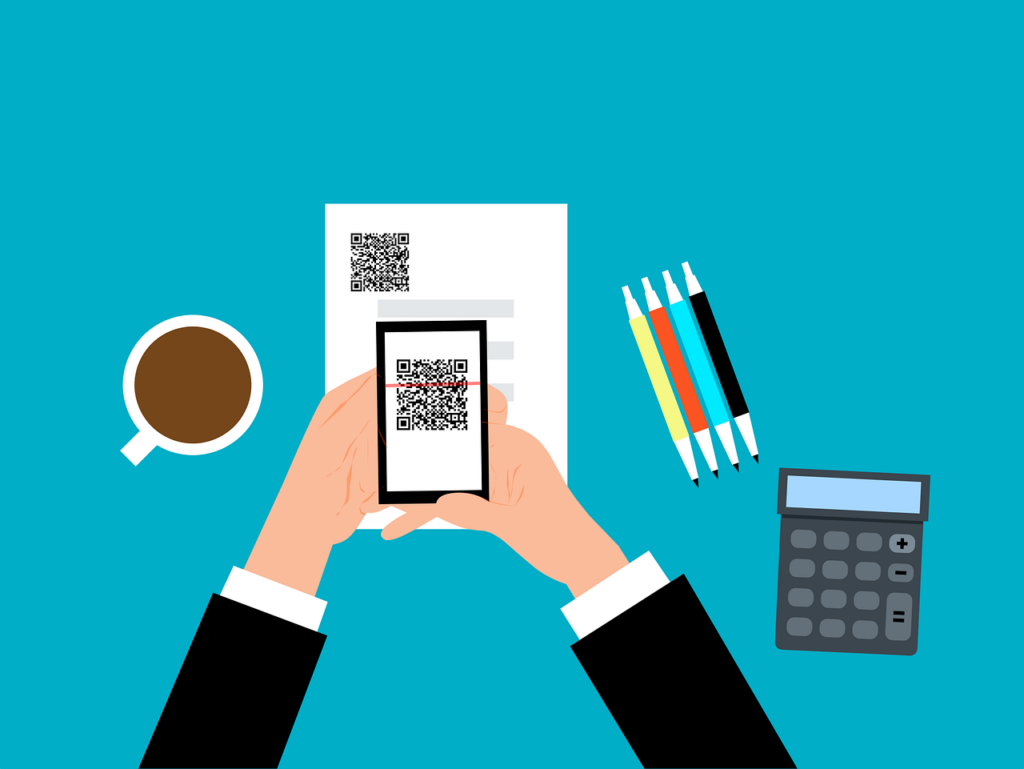
QR codes are everywhere these days. You can find them on restaurant menus, flyers, and posters. They’re used both offline and online. QR codes are convenient and easy to use. You just scan them with your smartphone camera. You’re then directed to a link, a coupon, a video, or some other online content.
With the rise in popularity of QR codes comes an unfortunate dark side. Cybercriminals are exploiting this technology for nefarious purposes. Scammers create fake QR codes. They can steal your personal information. They can also infect your device with malware or trick you into paying money.
It’s crucial to exercise caution when scanning QR codes. This emerging scam highlights the potential dangers lurking behind those seemingly innocent squares.
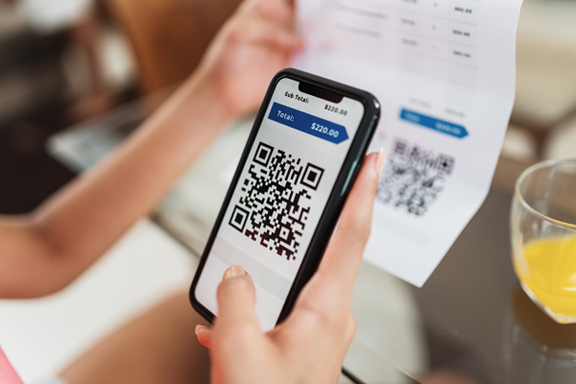
The QR Code Resurgence
QR codes were originally designed for tracking parts in the automotive industry. They have experienced a renaissance in recent years. As a result, they’re used as a form of marketing today.
They offer the convenience of instant access to information. You simply scan a code. They’ve become an integral part of various industries, including retail and hospitality.
Unfortunately, cybercriminals are quick to adapt. A new phishing scam has emerged, exploiting the trust we place in QR codes.
How the Scam Works
The scammer prints out a fake QR code. They place it over a legitimate one. For example, they might stick it on a poster that advertises a product discount or a movie.
You come along and scan the fake QR code, thinking it’s legitimate. The fake code may direct you to a phishing website. These sites may ask you to enter sensitive data. Such as your credit card details, login credentials, or other
personal information.
Or scanning the QR code may prompt you to download a malicious app. One that contains malware that can do one or more of the following:
- Spy on your activity
- Access your copy/paste history
- Access your contacts
- Lock your device until you pay a ransom
The code could also direct you to a payment page. A page that charges you a fee for something supposedly free.
Here are some tactics to watch out for.
Malicious Codes Concealed
Cybercriminals tamper with legitimate QR codes. They often add a fake QR code sticker over a real one. They embed malicious content or redirect users to fraudulent websites.
Fake Promotions and Contests
Scammers often use QR codes to lure users into fake promotions or contests. When users scan the code, it may direct them to a counterfeit website. The website may prompt them to provide personal information. This can lead to potential identity theft or financial fraud.
Malware Distribution
Some malicious QR codes start downloads of malware onto the user’s device. This can result in compromised security. Including unauthorized access to personal data and potential damage to the device’s functionality.
Stay Vigilant: Tips for Safe QR Code Scanning
Verify the Source
Be cautious when scanning QR codes from unknown or untrusted sources. Verify the legitimacy of the code and its source. This is especially true if it prompts you to enter personal information.
Use a QR Code Scanner App
Consider using a dedicated QR code scanner app. Use that rather than the default camera app on your device. Some third-party apps provide extra security features. Such as code analysis and website reputation checks.
Inspect the URL Before Clicking
Before visiting a website prompted by a QR code, review the URL. Ensure it matches the legitimate website of the organization it claims to represent.
Avoid Scanning Suspicious Codes
Trust your instincts. If a QR code looks suspicious, refrain from scanning it. Scammers often rely on users’ curiosity. Be careful when scanning QR codes that you see in public places. Don’t scan them if they look suspicious, damaged, or tampered with. Exercising caution is paramount.
Update Your Device and Apps
Keep your device’s operating system and QR code scanning apps up to date. Regular updates often include security patches that protect against known vulnerabilities.
Be Wary of Websites Accessed via QR Code
Don’t enter any personal information on a website that you accessed through a QR code. This includes things like your address, credit card details, login information, etc.
Don’t pay any money or make any donations through a QR code. Only use trusted and secure payment methods.
Contact Us About Phishing Resistant Security Solutions
QR codes can be useful and fun. But they can also be dangerous if you’re not careful. Always scan them with caution. Protect yourself from scammers who want to take advantage of your curiosity.
This scam falls under the umbrella of phishing. Phishing is one of the most dangerous modern risks for individuals and organizations. If you need help ensuring your devices are phishing resistant, just let us know.
Contact us today to learn more.
This Article has been Republished with Permission from The Technology Press.