
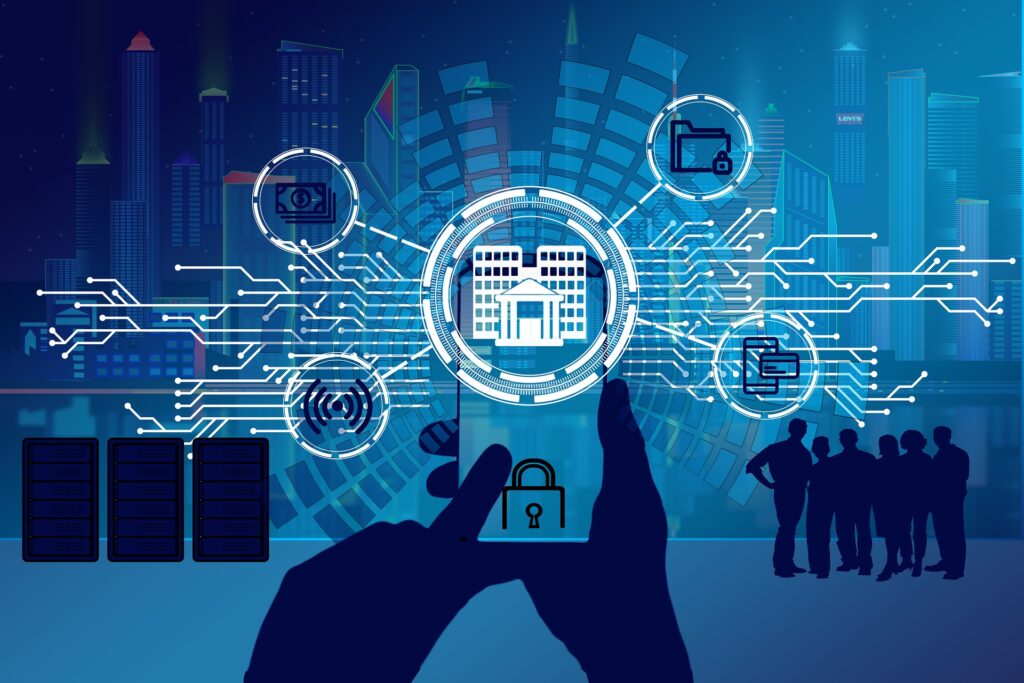
There are a lot of things that have changed since the invention of the internet. One of these is how we bank and access our accounts. You used to have to go into a local bank branch to make deposits and withdrawals. Now, you can take a picture of a check and deposit it from your phone.
Approximately 73% of people around the world use some form of online banking at least once a month. People have never had such convenient account access. But that convenience can come at a cost.
In 2021, account takeover fraud increased by 90%. New account fraud jumped a whopping 109%. As the ease of online banking has increased, so has banking-related cybercrime.
If someone breaches your Facebook account, it can be a real pain. But, if a hacker breaches your bank account, it can be devastating. It can mean significant losses. Losses that you may not be able to recoup from your financial institution.
In this article, we’ll take a look at the mistakes people make that leave their accounts at risk. Then, we’ll go over some important tips on how to keep your bank account better protected.
Mistakes That Allow Criminals to Access Your Account
Not Enabling Two-factor Authentication
Two-factor authentication (2FA) is a simple process that packs a big punch. When you enable this setting in an online account, it requires an extra step to gain access. That step usually consists of receiving a one-time passcode (OTP) by SMS and entering that at login.
Many people make the mistake of leaving this disabled. They either don’t know it’s there or they think it’s too inconvenient. But leaving this setting off makes it much easier for a bad actor to breach your account.
Falling for a Phishing Scam
There are several types of phishing scams that target online banking. Cyber criminals send emails that look like they come from your bank. They’ll even promise incredibly low rates on credit cards.
Other scams can involve warning you of unauthorized account activity. But when you click the link to log in, you’re actually on a fake page. One designed to look just like your normal bank website.
These are just a few ways that scammers can get your online banking login details. Once they have them, they’ll act immediately to get whatever they can.
Using Easy-to-Guess Passwords
If your account password is easy to remember, it’s also often easy to guess. Using weak passwords is a common mistake that enables many cyber criminals.
Some best practices for passwords include:
- Make them at least 10 characters long
- Include at least one number
- Include at least one symbol
- Include at least one upper-case letter
- Don’t make them personal (e.g., don’t use your birthdate, etc.)
Downloading Unsafe Mobile Apps
Banking trojans are often hidden in malicious mobile apps. These apps can look like something as innocent as a task manager. But, once installed, banking trojans seek out any details they can find. They are looking for banking and wallet apps.
Logging Into Online Banking While on Public Wi-Fi
One surefire way to give away your online banking password is to log in while on public Wi-Fi. Hackers hang out on public hot spots and spy on the activity of others. You should never type in a password or other sensitive details when connected to public Wi-Fi.
Tips for Improving Online Banking Security
Turn On Two-Factor Authentication
Enable two-factor authentication in your online banking account. This is also known as multi-factor authentication or two-step verification. According to Microsoft, it can block 99.9% of fraudulent account login attempts.
Set Up Banking Alerts
Time is of the essence when an intruder breaches your account. The faster you can notify your bank of the breach, the better. You could reduce the impact on you by having your account locked down immediately.
Set up banking alerts through your online banking. These can include things like low-balance alerts and login alerts.
Install an Antivirus & DNS Filtering On Your PC & Mobile Device
It’s important to have reliable antivirus software on your PC and mobile device. Many people don’t think about protecting their phones in this way. Yet, they shop online and bank via mobile devices.
It’s also good to use a DNS filter. This is a filter that protects you from going to dangerous phishing sites by blocking them.
Take Phishing Training Classes
Do you know how to identify phishing? Are you up on all the newest scams? You can make yourself less vulnerable by taking some phishing awareness classes. There are many of these for free online. You can also contact us for more personalized training options.
Knowing how to spot phishing via text, email, and phone can help you avoid becoming a scam victim.
Get Help Protecting Your Family from Scams
There are some key digital solutions we can put in place to keep your family safer from online threats. Give us a call today to schedule a chat about online security.
This Article has been Republished with Permission from The Technology Press.



