A Windows update should not bring your vendor payments to a halt. If Sage 50 started freezing or closing after the November updates, the update history is worth checking before making changes to Sage.
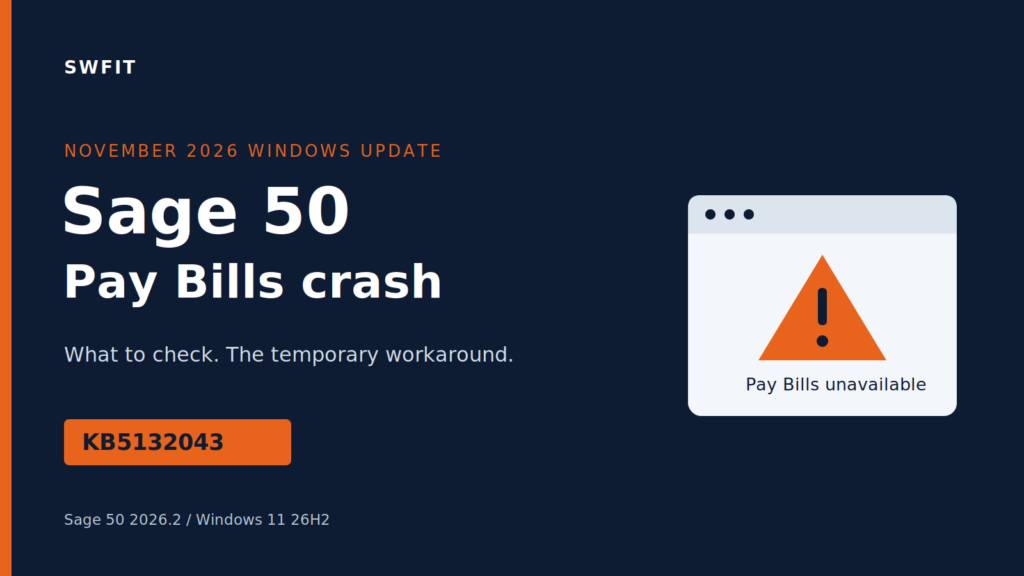
One reported case involved Sage 50 2026.2 on Windows 11 26H2. Opening Vendors > Pay Bills caused Sage to freeze and crash. The rest of the application worked, and computers that had not received the update continued operating normally. The reported fix was to remove KB5132043.
What to check on the affected computer
Microsoft’s KB5132043 release notes identify it as the November 10, 2026 hotpatch security update. The Windows 11 26H2 build is 26300.9911.
The Sage crash in this case named Peachw.exe version 2026.2.0.234, faulting module Pchctls.dll, and exception code 0xc000041d. Share those details with your IT team if they match what you are seeing.
The Sage Community Hub discussion has a verified answer recommending temporary removal of November updates associated with transaction-window crashes. It names KB5132061, KB5132059 and KB5131096. Those are different update numbers from KB5132043 in the case above; your IT team should confirm which update is installed before selecting a rollback.
Getting Pay Bills working again
For the reported KB5132043 issue, the temporary workaround is to uninstall that update, restart the computer, and keep it from reinstalling while awaiting a correction from Microsoft or Sage.
Have your IT team check the Sage backup first and coordinate the change. Windows lists removable updates under Settings > Windows Update > Update history > Uninstall updates. Select the confirmed update, rather than removing everything installed that day. Some updates cannot be removed through that screen; follow Microsoft’s uninstall guidance and ask IT to handle an unavailable or failed rollback.
After restarting, open Sage and test Vendors > Pay Bills. If it still fails, capture the new error and continue troubleshooting with support.
The update hold should apply to affected computers, have a review date, and end once a correction has been tested. Removing a security update leaves those protections unavailable, so leaving the hold in place indefinitely is not a lasting solution.
Send the details to SWFIT
For Southwest Florida businesses dealing with this crash, contact SWFIT with the computer name, Sage version, installed KB number and the screen that fails. Those details give us a useful starting point for reviewing the problem and getting your accounting team working again.