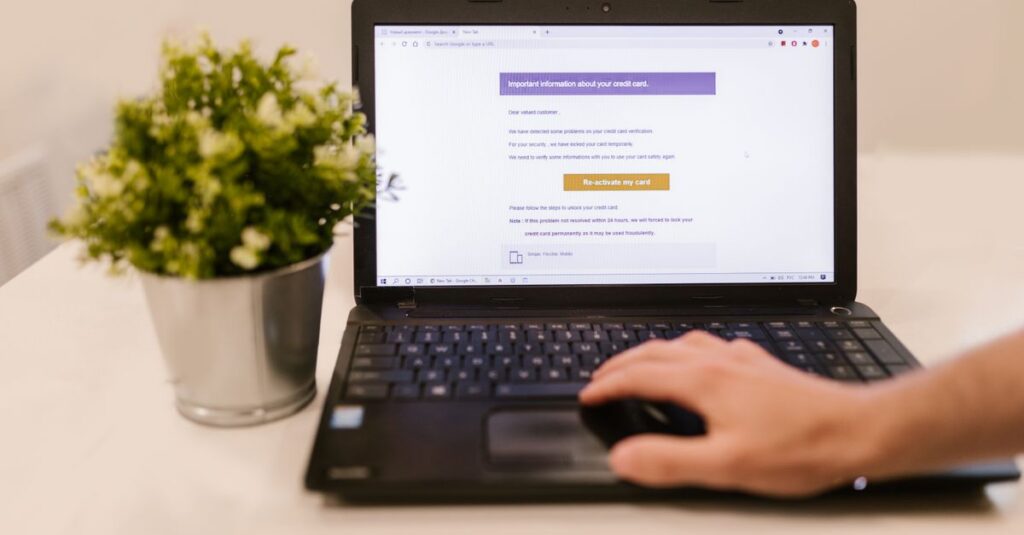
When a storm warning goes up in Southwest Florida, healthcare offices do not stop needing access to schedules, patient messages, billing systems, and Microsoft 365. The problem is that many small practices still handle remote work with a mix of shared passwords, personal laptops, old VPN setups, and “just call the office manager if you cannot get in.” That approach is stressful on a normal day and risky during hurricane season. If your practice in Naples, Fort Myers, Cape Coral, or Sarasota expects staff to work from home when the office closes, HIPAA-compliant remote access should be treated like a business continuity requirement, not an optional IT upgrade.
Why remote access becomes a bigger risk during hurricane season
Storm season creates urgency, and urgency usually exposes weak process. Teams log in from home, from temporary locations, and from mobile devices. Vendors may need access when the office is closed. Internet connections are less predictable. Under that pressure, people fall back to shortcuts.
For a small healthcare practice, the biggest risks usually look like this:
- Staff using personal devices without proper encryption or endpoint protection
- Shared email or EHR logins that make activity hard to trace
- Remote access tools that are outdated, loosely configured, or never tested
- Missing MFA on Microsoft 365, VPNs, and cloud apps
- No plan for what happens if one internet provider, office firewall, or workstation goes down
HIPAA does not require a single specific product, but it does require reasonable safeguards around access, devices, and auditability. That means your storm plan needs security controls built into it.
What HIPAA-compliant remote access should include
For most small practices, the goal is straightforward: make it easy for authorized staff to work securely without improvising. In plain English, that means remote access should be tied to named users, protected by MFA, limited to approved devices, and supported by logging.
A practical setup often includes secure Microsoft 365 sign-in, conditional access or device rules where appropriate, a properly maintained remote access gateway or VPN, and documented access for your line-of-business apps. If your EHR or imaging platform has its own remote workflow, that workflow should be reviewed before hurricane season, not during it.
It also helps to separate “can access email” from “can access everything.” Not every employee needs the same level of remote access. Least-privilege access reduces risk when people are working under pressure.
A simple storm-season checklist for healthcare practices
Before June gets busy, run through the basics in order:
- Confirm which systems staff must reach remotely: email, phones, EHR, files, billing, and scanners.
- Review every user account and remove stale logins, shared credentials, and old vendors.
- Turn on MFA everywhere it is available, especially Microsoft 365, remote desktop gateways, and VPN tools.
- Verify that only approved devices can access sensitive systems or data.
- Test remote logins from outside the office with a few real users, not just IT.
- Document who to call if the firewall, internet, or a cloud app is unavailable.
- Make sure backups, restore steps, and downtime procedures are current.
This kind of checklist is boring, which is exactly why it works. Calm, repeatable process beats heroic scrambling every time.
How Southwest Florida practices can reduce stress before the next storm
The best remote access plan is the one your team has already used successfully before a weather emergency. That means testing now, cleaning up access now, and making sure your office manager, providers, and front desk staff know what “secure remote work” actually looks like.
If your current process depends on one desktop in the office, one person who knows the passwords, or one firewall nobody has reviewed in years, fix that before hurricane season ramps up. Small healthcare practices do not need enterprise complexity, but they do need a reliable, documented, and secure way to keep operations moving.
Southwest Florida IT helps healthcare practices across Naples, Fort Myers, Cape Coral, and Sarasota tighten remote access, reduce last-minute storm chaos, and keep everyday security aligned with how the office really works.