Co-Managed IT Services for Southwest Florida Small Businesses
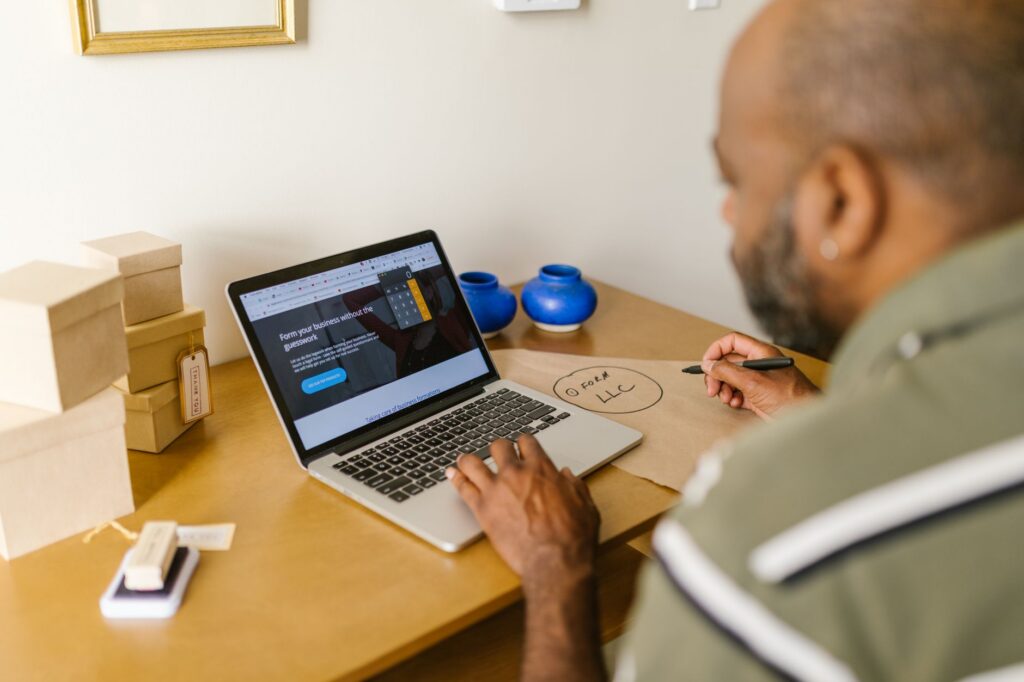
Plenty of Southwest Florida businesses are stuck in the middle. They are not large enough to justify a full in-house IT department, but they are also too busy and too dependent on technology to wing it. In Naples, Fort Myers, Cape Coral, and Sarasota, that often means an office manager, operations lead, or generally tech-comfortable employee becomes the unofficial IT person. They handle printer issues, password resets, software questions, and vendor calls, until something bigger lands on their desk.
That is where co-managed IT makes sense. It gives your internal point person backup from a real IT team without taking control away from the business.
What co-managed IT actually means
Co-managed IT is a shared model. Your team keeps ownership of the day-to-day tasks they can handle well, while an outside IT provider fills the gaps that create risk, eat up time, or require deeper expertise. It is not the same as fully outsourcing everything, and it is definitely better than relying on one overextended employee to figure out cybersecurity, backups, Microsoft 365 administration, and network troubleshooting alone.
A good co-managed setup usually means your business keeps visibility and decision-making, while the provider handles the heavier technical work behind the scenes.
- Escalation help for complex support issues
- Patch management and system monitoring
- Cybersecurity guidance and remediation
- Backup review and disaster recovery planning
- Vendor coordination for internet, phones, Microsoft 365, and line-of-business apps
Signs your business needs co-managed IT
If your internal point person is constantly getting pulled away from their real job, that is the first warning sign. The second is when IT work becomes reactive. Problems get fixed only after they interrupt business, and nobody has time to look at the bigger picture.
Some common signs include:
- Your office manager is handling user issues, software renewals, and security questions on top of everything else.
- You do not have a tested backup and recovery plan.
- New hires and terminations are handled inconsistently across Microsoft 365, email, and other business apps.
- Wi-Fi, VPN, or file access problems keep recurring with no root-cause fix.
- You are unsure whether systems are patched, monitored, or protected well enough for cyber insurance requirements.
None of those issues mean your internal team is failing. Usually it means the business has outgrown a one-person IT approach.
Why it matters before hurricane season
In Southwest Florida, IT planning cannot ignore weather risk. Hurricane season raises the stakes for every business process that depends on internet access, cloud systems, local devices, phones, and remote work. If a storm knocks out power or closes an office for several days, your team still needs access to email, files, customer records, and communication tools.
Co-managed IT helps before that pressure hits. It gives your business time to verify backups, document key systems, secure remote access, review battery and network failover options, and make sure the right people know what to do if the office is unavailable. That kind of preparation is hard to do when the same employee handling payroll or operations is also your accidental IT department.
What to look for in a provider
If you are considering co-managed IT, look for a provider that can work with your team instead of around them. The relationship should feel collaborative, not territorial.
- Clear roles and responsibilities. Everyone should know what stays in-house and what gets escalated.
- Strong cybersecurity fundamentals. Monitoring, patching, MFA guidance, backup oversight, and incident response should be standard.
- Fast communication. Your internal point person should be able to get real answers quickly.
- Local business context. Southwest Florida companies have seasonal pressures, storm planning needs, and a heavy reliance on cloud apps and mobile work.
- Documentation and process. If the provider disappears tomorrow, your business should still know how critical systems are set up.
The practical upside
Co-managed IT gives small businesses breathing room. Your internal team stays productive, leadership gets better visibility into risk, and technical problems stop piling up until they become expensive emergencies. For many small businesses in Southwest Florida, it is the most practical way to get expert IT coverage without overbuilding an internal department.
If your business has reached the point where technology is too important to improvise but not big enough for full in-house IT, co-managed support is usually the right next step.