When Hurricane Ian tore through Southwest Florida in 2022, businesses with solid backup and disaster recovery (BDR) plans were back online within hours. Those without them spent weeks — or months — trying to piece together lost data. Nearly three years later, most SWFL small businesses still don’t have a tested recovery plan.
That’s a problem. And it’s not just hurricanes you need to worry about.
What Does “Disaster” Actually Mean for a Small Business?
When IT pros say “disaster,” we don’t just mean Category 4 storms. A disaster is anything that takes your business offline or destroys critical data:
- Ransomware attacks — encrypted files, no access, ransom demand
- Hardware failure — server dies, NAS crashes, laptop stolen
- Human error — accidental file deletion, wrong button clicked
- Power surge or flood — common in SWFL’s rainy season
- Vendor outage — your cloud provider goes down for 12 hours
The average cost of a ransomware recovery for a small business is over $200,000 when you factor in downtime, lost productivity, forensics, and remediation. Most small businesses can’t survive that hit.
The 3-2-1 Rule: The Foundation of Any Good BDR Strategy
Every backup strategy should start with the 3-2-1 rule:
- 3 copies of your data
- 2 different storage types (e.g., local NAS + cloud)
- 1 copy offsite or air-gapped
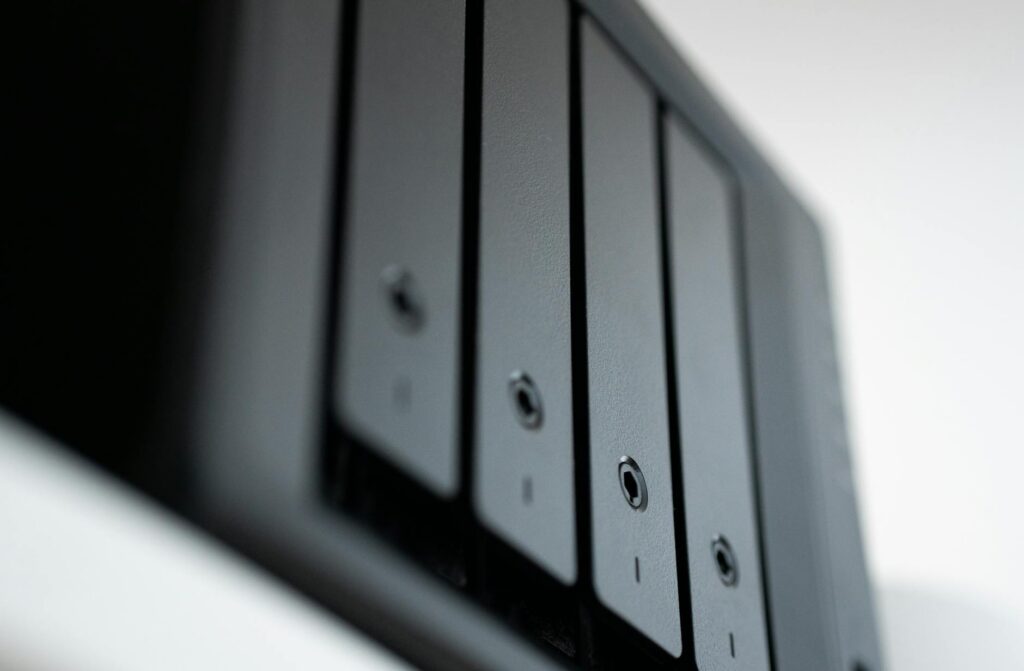
For most SWFL businesses, this means keeping a local backup on a NAS device in your office, a secondary backup synced to Azure or Wasabi cloud storage, and at minimum a monthly immutable snapshot that ransomware can’t touch.
How Often Should You Back Up?
It depends on your Recovery Point Objective (RPO) — how much data can you afford to lose? For most businesses:
- Accounting/finance data: Hourly or continuous backups
- Project files and documents: At minimum daily
- Email: Microsoft 365 includes some retention, but it’s not a true backup — you need a third-party tool like Veeam or Dropsuite
Cloud vs. Local Backup: Which Is Right for You?
Local backups are fast to restore from — great for quickly recovering a file or getting a server back up. Cloud backups protect against physical disasters like flooding or fire — critical in Southwest Florida. You need both.
Modern solutions like Datto, Acronis, and Veeam give you a single pane of glass to manage both, with automated testing that confirms your backups actually work. (Hint: untested backups fail exactly when you need them most.)
Have You Actually Tested Your Backup?
This is the question that makes most business owners uncomfortable. Most companies that have backups have never done a full restore test. If you can’t answer “yes, we restored our entire environment from backup within the last 6 months,” you don’t really have a backup plan — you have a backup hope.
A managed IT provider should run quarterly restore tests and give you a documented Recovery Time Objective (RTO): how fast you’ll be back online after a disaster.
What SWFIT Recommends for SWFL Businesses
For businesses in the Naples, Fort Myers, Cape Coral, and Sarasota corridors, we recommend:
- Hybrid backup (local + immutable cloud) with daily automated testing
- Microsoft 365 backup via a third-party tool (not just M365 retention policies)
- A written Disaster Recovery Plan that’s reviewed annually
- A Business Continuity plan covering: who calls who, what runs on laptops remotely, and how long you can operate without servers
The bottom line: disasters in Southwest Florida aren’t if, they’re when. Whether it’s a tropical storm, a ransomware gang, or a failing hard drive, the businesses that recover fastest are the ones that planned ahead.
Ready to find out how protected you really are? Book your free IT assessment with SWFIT.