
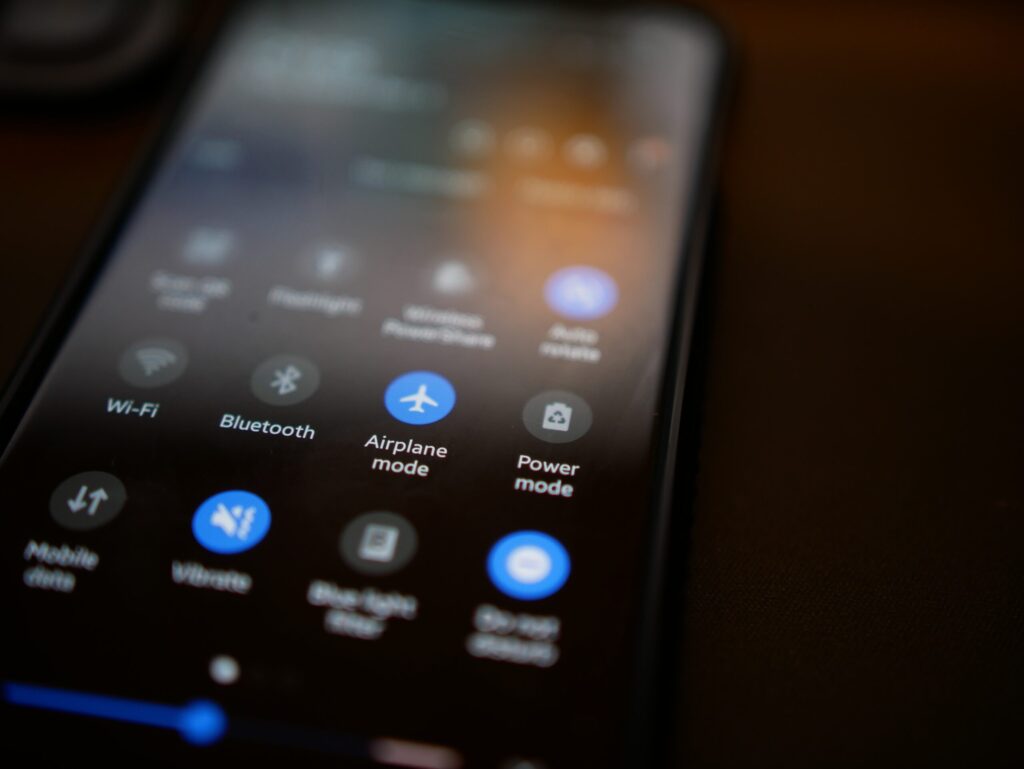
Most people are familiar with their device’s Airplane Mode. You’ve probably used it when jetting off to exotic locations. But did you know that it’s not just for globetrotters?
That’s right! Airplane Mode isn’t only for flying; it can be a handy feature for your everyday life. Here are some top reasons why you should consider toggling it on, even if you’re not traveling.
1. Save That Precious Battery Life
Who doesn’t want their smartphone battery to last longer? Airplane Mode can be your secret weapon against those battery-draining apps. The ones that are constantly running in the background.
By switching on Airplane Mode, you effectively shut down all communication functions. This includes Wi-Fi, cellular data, and Bluetooth. This can be a lifesaver when you’re running low on battery and need your phone to last until you can find a charger.
2. Boost Your Charging Speed
We’ve all experienced those moments of panic when our phone’s battery is about to die. We desperately need to charge it ASAP. Well, here’s a neat trick: put your phone in Airplane Mode before plugging it in.
Studies show that phones charge about 4 times faster in Airplane Mode.
By doing this, your phone won’t be wasting power on syncing notifications. Or checking for updates or connecting to networks. As a result, it will charge up faster, getting you back in the game in no time.
3. A Tranquil Escape from Notifications
Life can get chaotic, and sometimes you need a break from constant pings. Turning on Airplane Mode grants you the gift of peace and tranquility, even if only for a little while. You can enjoy some quality “me” time. All without interruptions from social media alerts or work emails. It’s like creating your little digital oasis!
4. Focus Mode: Engaged!
We all struggle with staying focused from time to time. Whether it’s work, studying, or a creative project, distractions are everywhere. Airplane Mode can be your go-to tool to combat those distractions. By cutting off the internet connection, you’ll find it easier to concentrate on the task at hand. So, next time you need to get in the zone, remember to flip that Airplane Mode switch!
5. Prevent Embarrassing Moments
Picture this: You’re in an important meeting. Then suddenly your phone starts blaring an embarrassingly loud ringtone. Oops! And even if the ringer is off, phones often vibrate when getting a call or notification.
Avoid these awkward moments. Use Airplane Mode in situations where silence is golden. You can still use your phone for notetaking or accessing offline content. But without any fear of accidental disruptions.
6. Roaming Woes, Be Gone!
When you’re in an area with poor cellular reception, what happens to your phone? It might tirelessly search for a signal. This can lead to battery drain. Airplane Mode can be a lifesaver in such situations.
By turning it on, you prevent your phone from endlessly searching for a network. This saves precious battery power. It can also keep you from connecting to a dangerous network.
7. A Digital Detox
Sometimes we all need a break from the digital world. It can be to reconnect with loved ones, enjoy outdoor activities, or simply be present in the moment. Airplane Mode lets you temporarily disconnect from the online realm. But you still have access to your phone’s offline features.
8. Avoid Unwanted Radiation
The jury is still out on any health risks of mobile phone radiation. But some people prefer to err on the side of caution. Enabling Airplane Mode reduces your phone’s radiation emission. This is because it disables most of the communication features. If you’re concerned about exposure, using Airplane Mode can provide some peace of mind.
9. Save Data and Money
If you’re on a limited data plan, turning on Airplane Mode can help you manage your data usage. As well as avoiding unexpected charges. It’s a smart move. Especially when you’re nearing the end of your billing cycle and don’t want to exceed your data limit.
Remember, Airplane Mode isn’t just for frequent flyers. It’s a nifty feature that can enhance your daily life in various ways. It offers longer battery life and faster charging. As well as escaping the constant barrage of notifications, it has benefits. Airplane Mode can be your digital ally in a world that’s always connected.
So, don’t be shy to give it a try, and enjoy this underrated smartphone feature. Even when your feet are firmly on the ground!
Keep Your Smartphone Optimized & Secure
Do you need help securing your smartphone from viruses and attacks? Wish you knew how to use all its features better? Our team of experts can help with training and device security.
Give us a call today to schedule a chat.
This Article has been Republished with Permission from The Technology Press.



