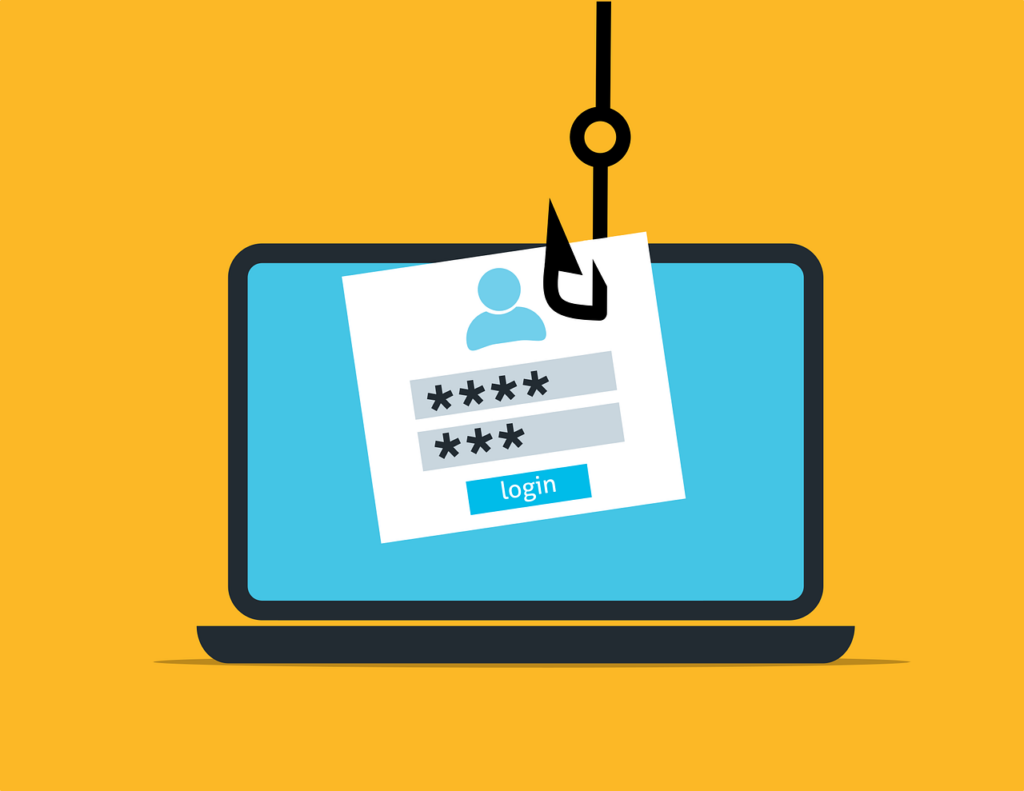
Phishing is the number one method of attack delivery for everything from ransomware to credential theft. We are very aware of it coming by email, but other types of phishing have been growing rapidly.
In recent years, phishing over social media has skyrocketed by 500%. There has also been a 100% increase in fraudulent social media accounts.
Phishing over social media often tricks the victims because people tend to let their guard down when on social platforms like Facebook, Instagram, Twitter, and LinkedIn. They’re socializing and not looking for phishing scams.
However, phishing scammers are out there looking for you and will reach out via friend requests and direct messages. Learn several ways you can secure your social media use to avoid these types of covert attacks.
Make Your Profile Private on Social Platforms
Phishing scammers love public profiles on social media because not only can they gather intel on you to strike up a conversation, but they can also clone your profile and put up a fake page for phishing your connections.
Criminals do this in order to try to connect with those on your friends or connections list to send social phishing links that those targets will be more likely to click because they believe it’s from someone they know.
You can limit your risk by going into your profile and making it private to your connections only. This means that only someone that you’ve connected with can see your posts and images, not the general public.
For sites like LinkedIn where many people network for business, you might still want to keep your profile public, but you can follow the other tips below to reduce your risk.
Hide Your Contacts/Friends List
You can keep social phishing scammers from trying to use your social media profile to get to your connections by hiding your friends or connections list. Platforms like LinkedIn and Facebook both give you this privacy option.
Just be aware that this does not keep scammers from seeing you as a friend or connection on someone else’s profile unless they too have hidden their friends list.
Be Wary of Links Sent via Direct Message & in Posts
Links are the preferred way to deliver phishing attacks, especially over social media. Links in social posts are often shortened, making it difficult for someone to know where they are being directed until they get there. This makes it even more dangerous to click links you see on a social media platform.
A scammer might chat you up on LinkedIn to inquire about your business offerings and give you a link that they say is to their website. Unless you know the source to be legitimate, do not click links sent via direct message or in social media posts. They could be leading to a phishing site that does a drive-by download of malware onto your device.
Even if one of your connections shares a link, be sure to research where it is coming from. People often share posts in their own feeds because they like a meme or picture on the post, but they never take the time to check whether the source can be trusted.
Don’t Participate in Social Media Surveys or Quizzes
While it may be fun to know what Marvel superhero or Disney princess you are, stay away from quizzes on social media. They’re often designed as a ploy to gather data on you. Data that could be used for targeted phishing attacks or identity theft.
The Cambridge Analytica scandal that impacted the personal data of millions of Facebook users did not happen all that long ago. It was found that the company was using surveys and quizzes to collect information on users without their consent.
While this case was high-profile, they’re by no means the only ones that play loose and fast with user data and take advantage of social media to gather as much as they can.
It’s best to avoid any types of surveys or quizzes on any social media platform because once your personal data is out there, there is no getting it back.
Avoid Purchasing Directly from Ads on Facebook or Instagram
Many companies advertise on social media legitimately, but unfortunately, many scammers use the platforms as well for credit card fraud and identity theft.
If you see something that catches your eye in a Facebook or Instagram ad, go to the advertiser’s website directly to check it out, do not click through the social ad.
Research Before You Accept a Friend Request
It can be exciting to get a connection request on a social media platform. It could mean a new business connection or connecting with someone from your Alma mater. But this is another way that phishing scammers will look to take advantage of you. They’ll try to connect to you which can be a first step before reaching out direct via DM.
Do not connect with friend requests without first checking out the person on the site and online using a search engine. If you see that their timeline only has pictures of themself and no posts, that’s a big red flag that you should decline the request.
Can Your Devices Handle a Phishing Link or File?
It’s important to safeguard your devices with things like DNS filtering, managed antivirus, email filtering, and more. This will help protect you if you happen to click on a phishing link.
Find out how we can help!
This Article has been Republished with Permission from The Technology Press.